


Why Does My Car Overheat in Traffic But Not on the Highway?
If you’ve ever driven your classic, muscle car, or high-performance build to a car show, you’ve probably experienced this exact scenario:
The car runs perfectly on the highway.
Temperatures stay under control cruising at 70 mph.
But the moment you get into the exit line, the cruise route, or the slow-moving traffic leaving the event… the temperature gauge starts climbing.
This weekend at the Goodguys Des Moines event, we saw this problem firsthand. Thousands of enthusiasts brought out incredible builds, but as the crowds moved through the show and cars sat in stop-and-go traffic, one thing became obvious:
Cooling systems that work great at speed can struggle when airflow disappears.
So why does this happen?
And more importantly — how do you fix it?

The Difference Between Highway Cooling and Traffic Cooling
When your car is cruising down the highway, your cooling system gets a huge advantage:
Natural airflow.
At 60–70 mph, air is being forced through the radiator, helping remove heat from the coolant even before the electric fan turns on. This ram airflow is significantly more CFM than what your fans would ever produce.
Your radiator is doing exactly what it was designed to do.
But in traffic?
That airflow disappears.
Your engine is still producing heat, your air conditioning may still be running, and your transmission may be generating additional heat — but now your radiator depends almost entirely on your electric fans to pull air through the core.
This is where many cooling systems reveal their weaknesses.
Why Electric Fans Struggle in Stop-and-Go Traffic
A common setup in many builds is a simple relay-controlled fan system.
The idea is straightforward:
- Coolant temperature reaches a set point
- Relay turns the fan ON
- Fan runs at 100%
- Temperature drops
- Fan turns OFF
The problem?
Your cooling needs are not just ON or OFF.
A car sitting in traffic on a 95-degree day may need a small amount of airflow to maintain temperature.
A car stuck in a parade route with the A/C running may need maximum airflow.
A relay can only make one decision:
Full power or no power.
This creates several problems:
1. Temperature swings
The fan waits until the engine gets hot enough to trigger.
Then it turns on at full speed.
The temperature drops.
The fan shuts off.
The cycle repeats.
Instead of maintaining a consistent temperature, the system constantly reacts.
2. Unnecessary electrical load
Electric fans can draw significant current when they start.
Large cooling fans can create a substantial electrical spike every time they turn on.
This puts additional strain on:
- Alternators
- Wiring
- Relays
- Connectors
3. Your fan may not be running efficiently
A fan running at 100% is not always the best solution.
Sometimes you need more airflow.
Sometimes you need less.
The ideal cooling system adjusts based on the actual conditions.
The Solution: Variable Speed Fan Control
Modern vehicles solved this problem years ago by moving away from simple ON/OFF fan operation.
Instead, OEM manufacturers use PWM (Pulse Width Modulation) fan control. or Brushless fans all together.
PWM allows the cooling system to adjust fan speed based on demand.
Instead of:
Fan OFF → Fan ON at 100%
You get:
Fan running at 30% → 50% → 75% → 100% as needed
This provides smoother temperature control, reduces electrical spikes, and keeps your engine closer to the ideal operating temperature.

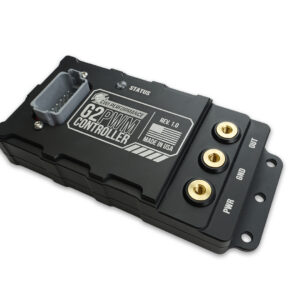


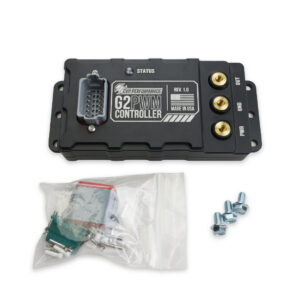

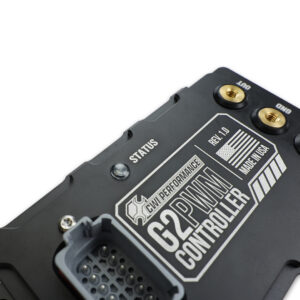
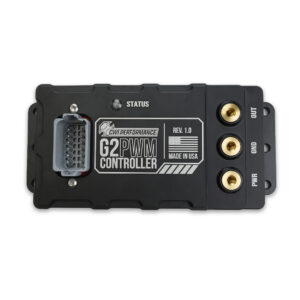
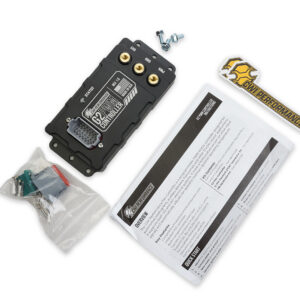


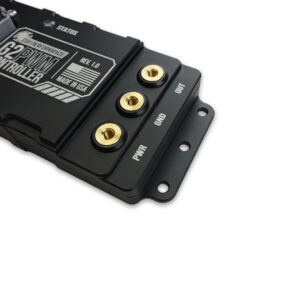

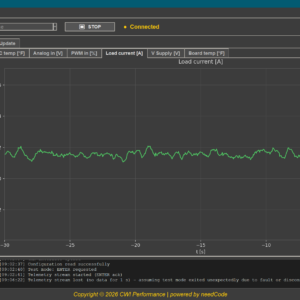
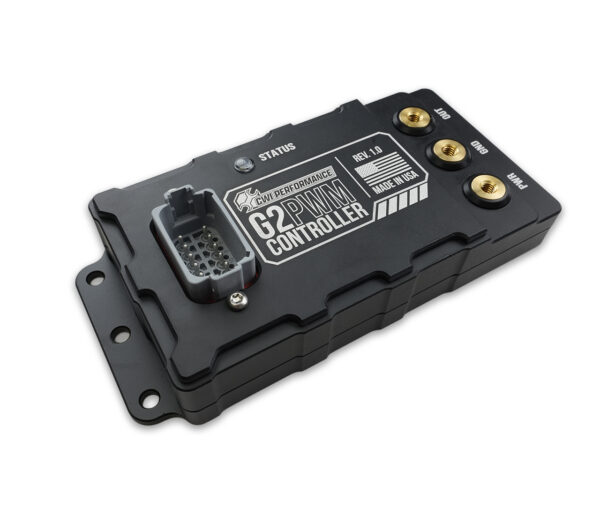
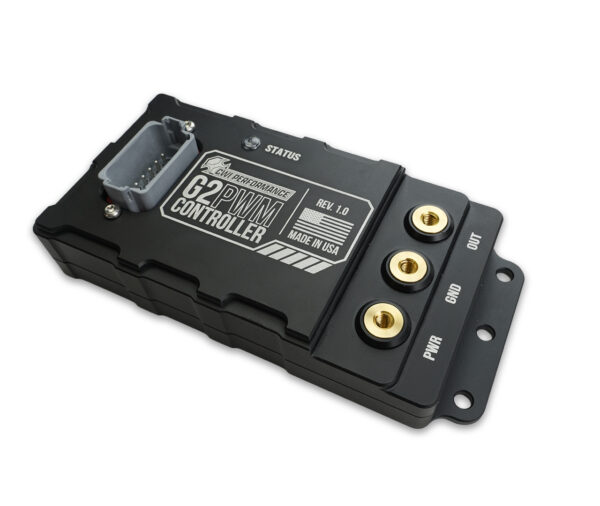

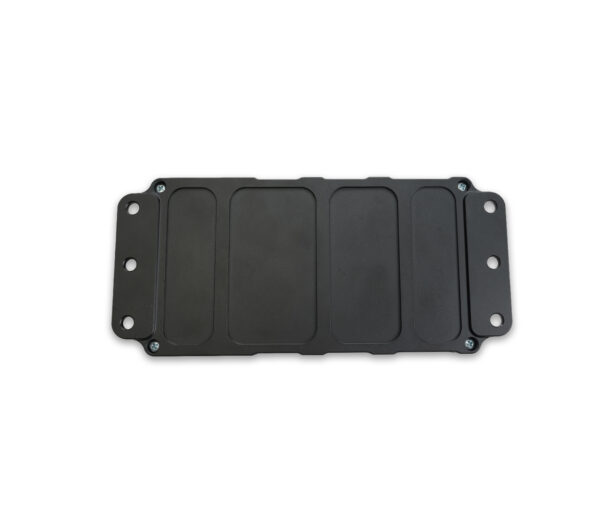

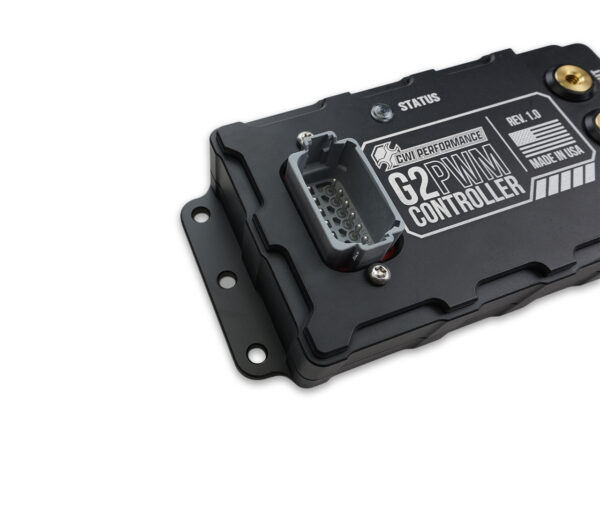
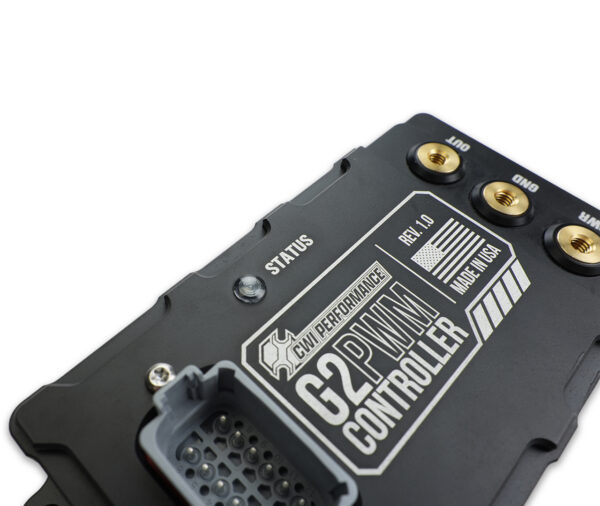
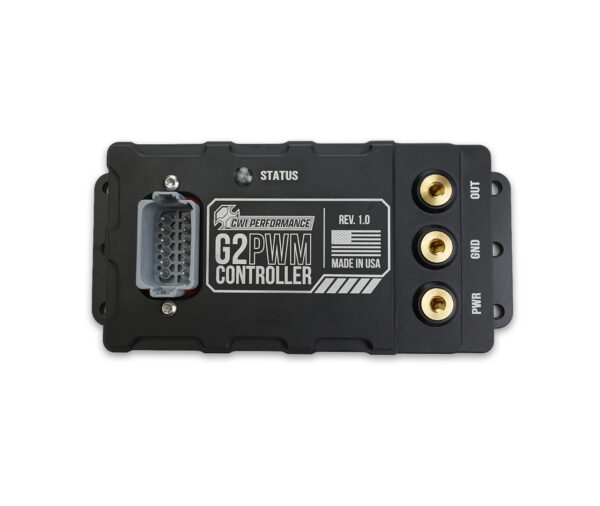
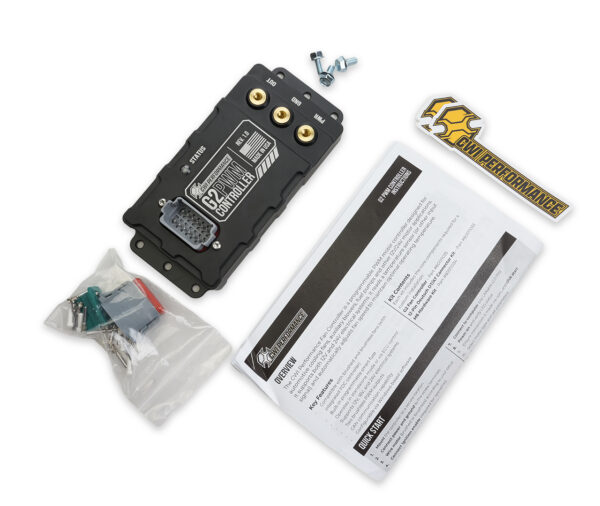


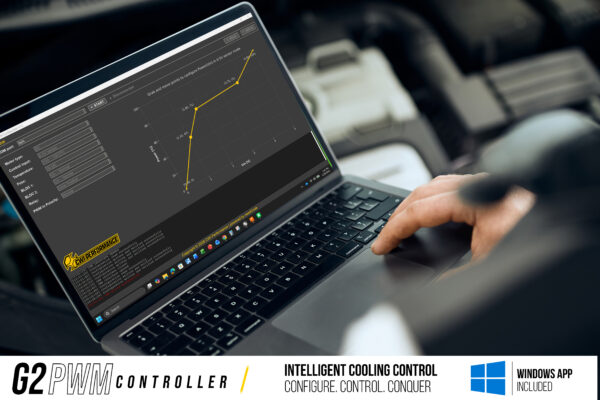
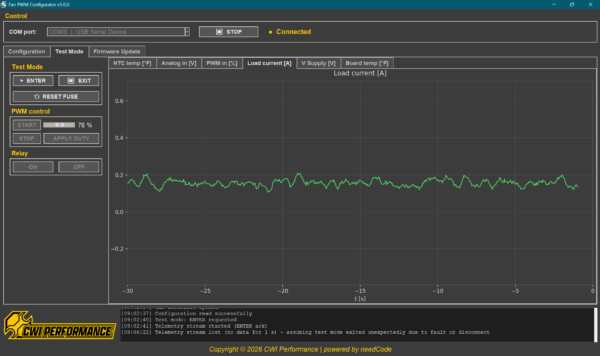
G2 PWM Controller
Precision Fan + System controller for performance builds
Replace relays, simplify wiring, and gain full variable-speed control of electric fans, pumps, and accessories — all from one programmable controller.
Designed for standalone use or ECU integration, the G2 combines Smart Fuse Protection, CAN communication, and software-based configuration in a compact motorsport-ready module.
- Supports Brushed & Brushless Devices
- Works Standalone or With Your ECU
- Smart Fuse Protection -max 80 amps continuous and safety limited to 90 amps in-rush
- 12V, 16V & 24V Compatible
- Configurable Through the G2 Software Suite
Introducing the CWI G2 PWM Controller
The CWI G2 PWM Controller was designed for enthusiasts who want OEM-level cooling control in custom applications.
Instead of relying on a basic relay, the G2 gives you intelligent fan management.
The G2 can:
- Control brushed and brushless fans
- Manage dual fan outputs
- Accept temperature sensor inputs
- Integrate with ECU PWM signals
- Use 0–5V inputs for custom sensors
- Communicate through CAN
- Support 12V, 16V race systems, and 24V applications
Whether you’re building a Pro Touring car, street machine, race car, or high-powered cruiser, the G2 allows your cooling system to respond to actual demand.
Stop Managing Heat After It Happens
A lot of cooling systems are designed around reacting to overheating:
“The temperature climbed, turn the fans on.”
But the better approach is preventing the temperature spike in the first place.
At events like Goodguys, where cars spend hours cruising slowly, sitting in lines, and idling in hot weather, cooling demand changes constantly.
A smart cooling system should change with it.
The CWI G2 PWM Controller gives your fans the ability to do exactly that.
Because the best cooling system isn’t the one that saves your engine after it overheats.
It’s the one that prevents it from happening.
Want to Learn More?
The CWI G2 PWM Controller gives enthusiasts modern cooling control without requiring a factory ECU.